
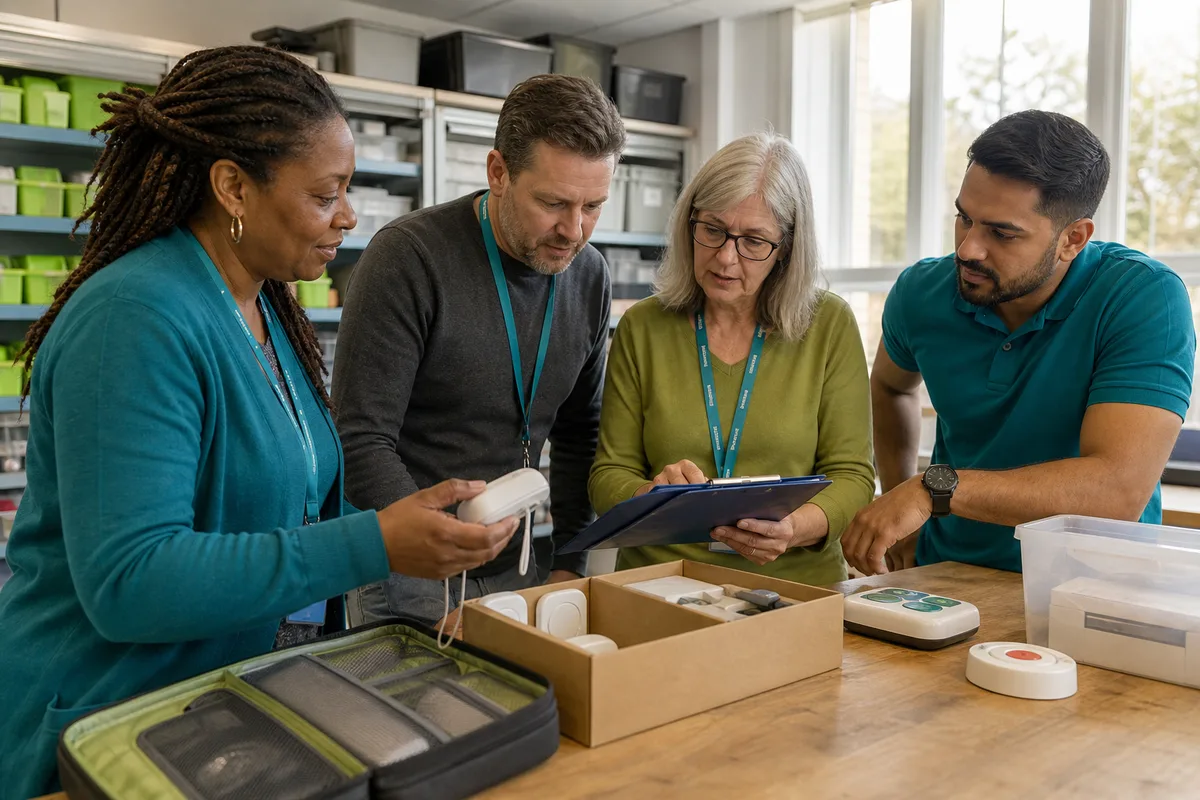
Traditional pendant alarms and mobile GPS personal alarms share a simple idea: give someone a clear way to ask for help. The important difference is where and how the system is designed to work.
Home pendant alarms
An in-home system normally links a wearable trigger to a base unit in the property. Depending on the service, pressing it may connect to a monitoring centre or nominated contacts. Its radio range is designed around the home and sometimes the garden.
This can suit someone who spends most of their time at home and wants a familiar monitored arrangement. Ask about range, power backup, digital phone compatibility and what happens during a connectivity failure.
Mobile GPS personal alarms
A mobile alarm uses mobile network connectivity and can share location information, making it relevant to activity beyond the home. It usually needs regular charging and must be carried or worn.
Footprint combines an SOS button, GPS location and two-way hands-free calling. Family and professional configurations are available, with confirmed features described on OwnFone’s Footprint pages.
Compare the everyday questions
| Question | Home pendant | Mobile GPS alarm |
|---|---|---|
| Main use area | Home and stated radio range | Home and away where service is available |
| Location support | Usually property-based | GPS/location information |
| Connection | Base service, landline/IP/mobile depending on product | Mobile network |
| Charging | Trigger may have long-life battery; base needs power | Portable device generally needs regular charging |
| Response | Monitoring centre or contacts | Monitoring centre, family or service contacts depending on setup |
One may not replace the other
Someone can have different needs at home and outside. Do not remove an established system until the replacement has been assessed, configured and tested. Ask the existing telecare provider before changing equipment, particularly during the UK digital phone switchover.
Choose around actual movement
Map a normal week. Does the person garden, walk a dog, visit shops or travel with community transport? Will they wear the device consistently? Who will charge it and respond?
The best alarm is not the one with the most technology. It is the one that fits the person’s routine and has a dependable human response behind it.